In the prompt box, describe the website/app you would like Macaly AI to create.
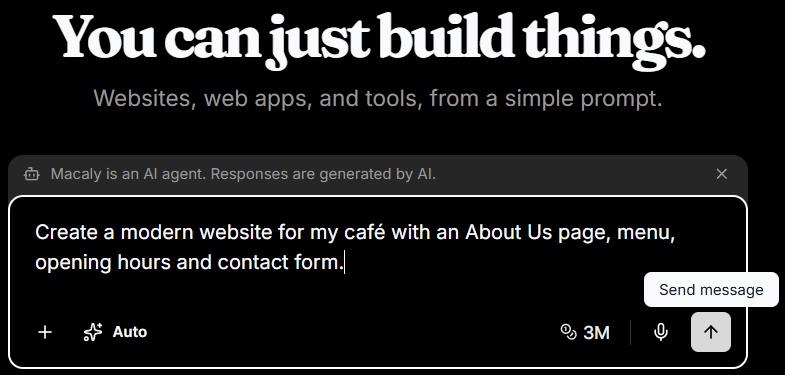
Macaly AI prompt box containing an example request to create a cafe website.
You can also copy and paste images or documents directly into the chat or click the + icon > Upload from device.
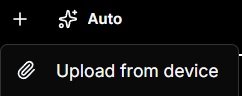
Prompt attachment menu showing the Upload from device option.
Click Send message to submit the prompt and allow Macaly AI to work. Macaly AI may ask additional questions if it needs clarification. Once it has finished, your first version will appear in the Preview area.
TIP: Enable browser notifications so you can walk away or focus on something else and you will get an alert when Macaly AI has finished generating from your prompt.

Macaly AI notification banner offering to enable an alert when generation finishes.
Click Enable and click Allow when prompted by your browser.
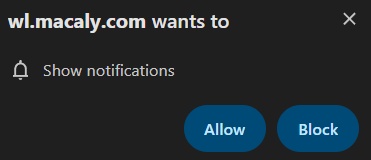
Browser notification permission for wl.macaly.com with Allow and Block options.
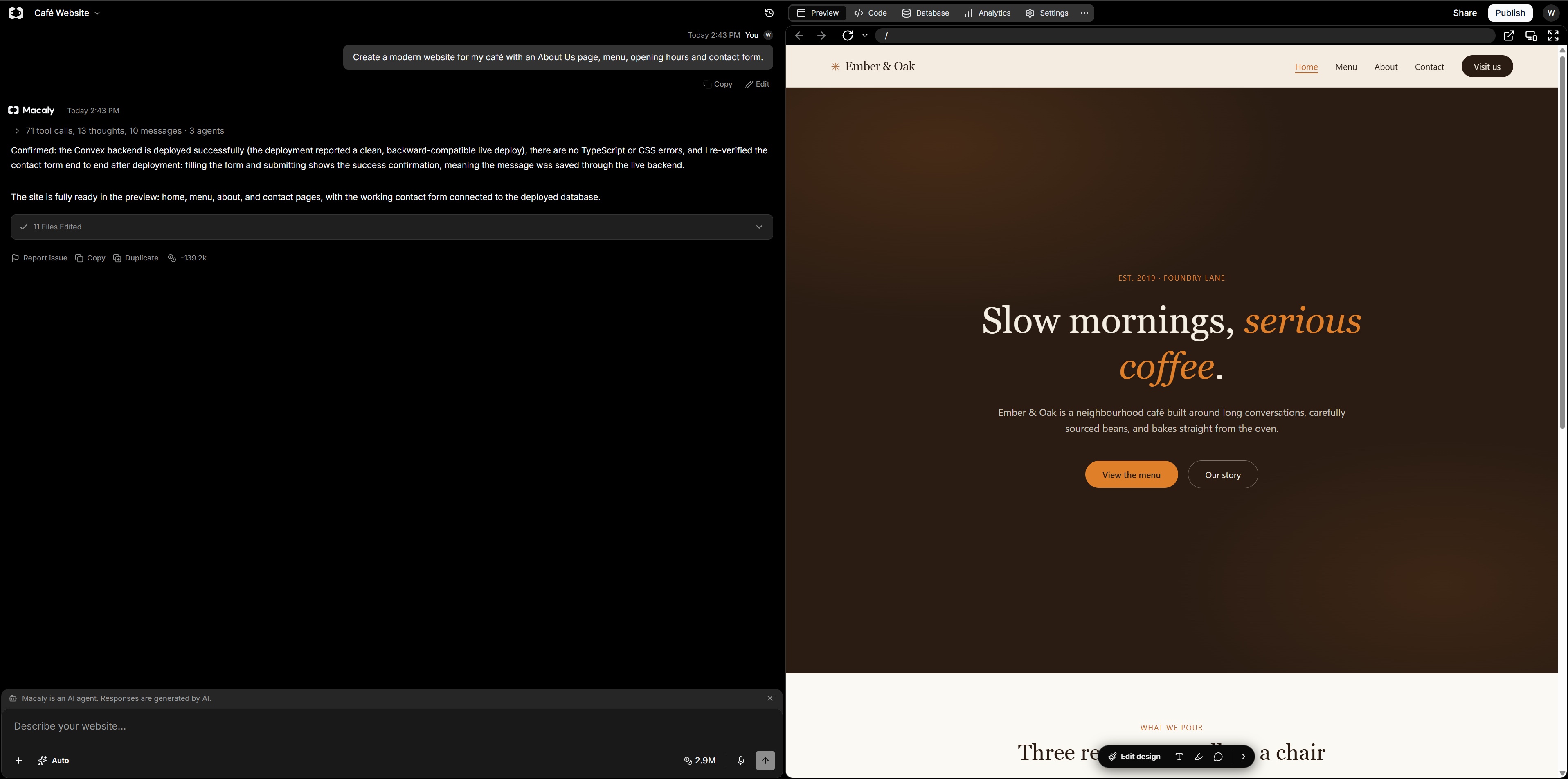
Macaly AI editor showing the chat panel alongside the generated cafe website preview.
The first result does not need to be perfect. Think of it as the starting point for your project rather than the finished product. Macaly AI is designed around progressively refining the project through further conversation.
If you have any questions on the above, please do not hesitate to 'Open a Ticket' and we will be happy to advise further.